/Logos/Ardoq/RGB_Ardoq_Logo_Primary_Purple.svg)

Enterprise architecture never starts with a perfect model. It starts in workshops, slide decks, whiteboards, screenshots, and “quick” diagrams that capture critical intent in the moment.
The problem is what happens next. Those visuals get stuck as static artifacts. You cannot query them, link them, or keep them up to date without rebuilding everything from scratch.
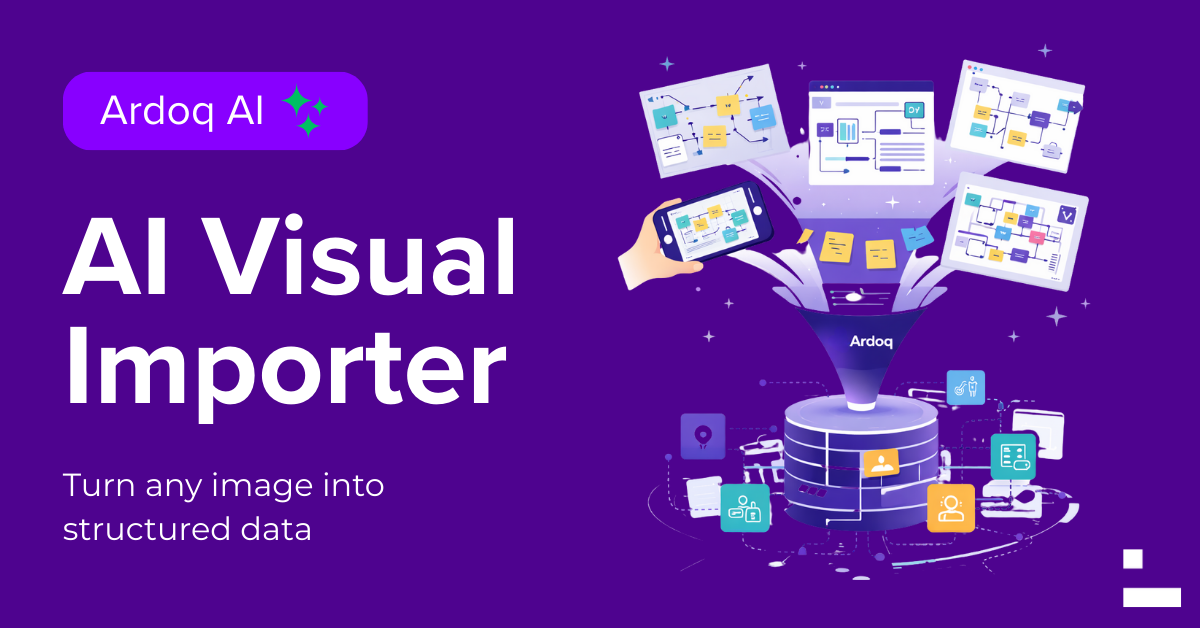
Today, we’re announcing General Availability for Ardoq’s AI Visual Importer, a faster way to turn everyday visuals into structured, connected architecture data.
Upload an image, and AI helps you extract components, relationships, and hierarchies, then map them into your Ardoq workspace so you can analyze, govern, and reuse the information as living architecture data.
What is the Ardoq AI Visual Importer?
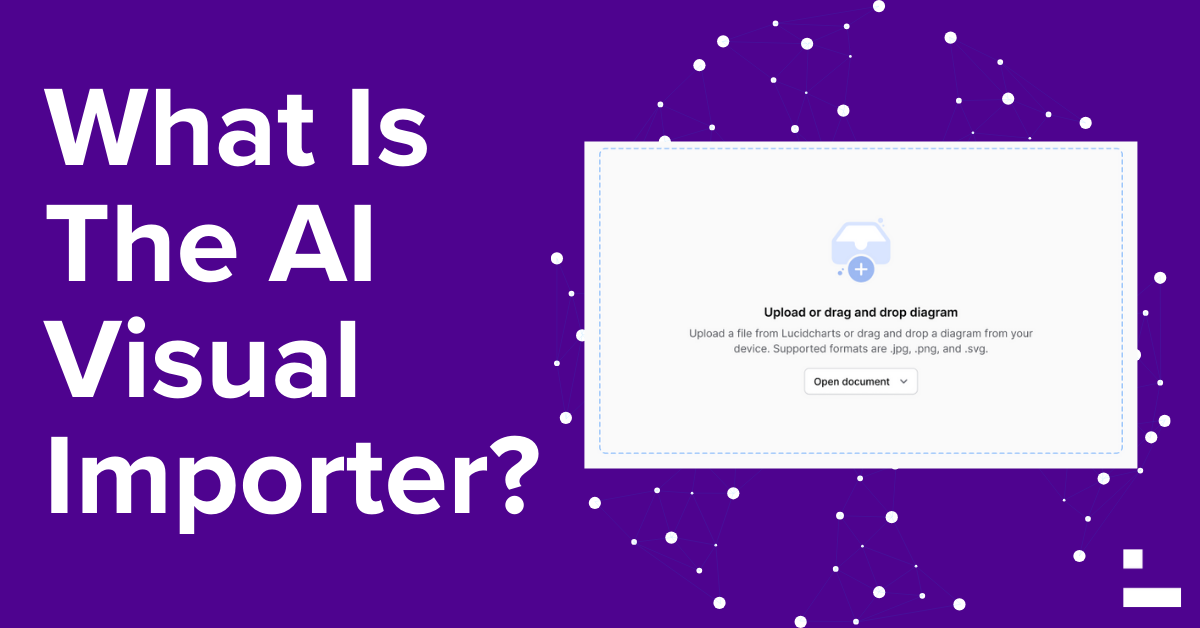
Ardoq’s AI Visual Importer bridges the gap between how people sketch ideas and how architects model enterprises.
It lets you take an image like a whiteboard photo, a screenshot of a diagram, or a slide capture, then convert it into structured data inside Ardoq.
Think of it as a way to move from static visuals that go stale to connected data you can query, update, trace, and reuse across reports, dashboards, and decision workflows.
Why This Matters
Visuals are everywhere, but value gets trapped
Most organizations have years of architecture knowledge sitting in:
- Visio exports and screenshots.
- PowerPoint slides in project folders.
- Whiteboard photos from strategy workshops.
- Diagrams embedded in PDFs.
- Informal sketches shared in chats.
These artifacts contain real context, but the context stays locked away in the image. Recreating it manually into a structured model is a slow, error-prone process that’s easy to deprioritize.
Ardoq’s AI Visual Importer is designed to remove the re-entry tax, so teams can spend less time transcribing and more time analyzing and driving change.
What You Get With Ardoq’s AI Visual Importer
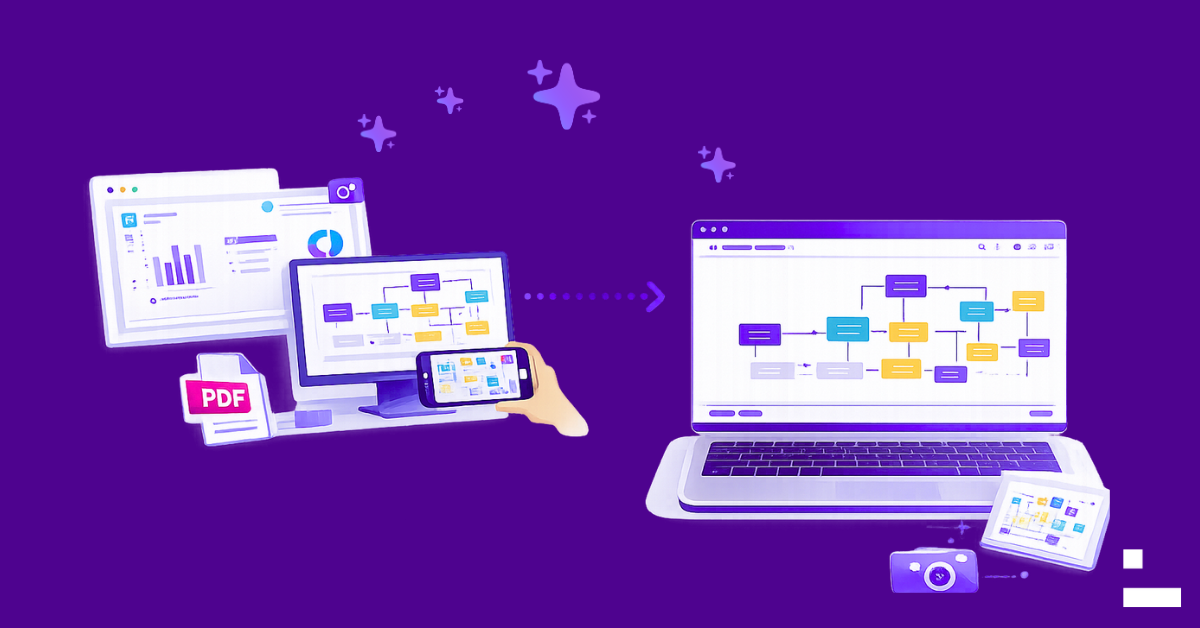
1. AI-driven analysis
Automatically detects components, relationships, and hierarchies from your visual.
2. Smart mapping
Maps detected elements into your Ardoq workspace with minimal setup, aligning them with your metamodel.
3. Accelerated value
Turns conceptual visuals into actionable architecture data in minutes, so you can move from “we think” to “we know” faster.
“We can take a highly complex technical diagram through Ardoq’s AI Importer and map it cleanly into our EA model as structured data. What used to take days now takes minutes, and a new stakeholder audience sees the value of Ardoq.”
—Senior Architect, Healthcare, North America
All the Ways EA Teams Use AI Visual Importer
Below are common, high-value ways customers use our AI Visual Importer once it becomes part of the workflow.
Import a Whiteboard Session and Make it Queryable

You run a strategy or solution workshop, capture a whiteboard photo, then lose momentum because the model never gets built.
With AI Visual Importer, you can quickly bring that visual into Ardoq, validate the extracted structure, and turn workshop intent into trackable, reusable data.
Examples:
- Target-state capability discussions
- Application rationalization brainstorming
- Integration and dependency mapping
- Operating model and ownership sketches
Turn a Slide into Structured Data
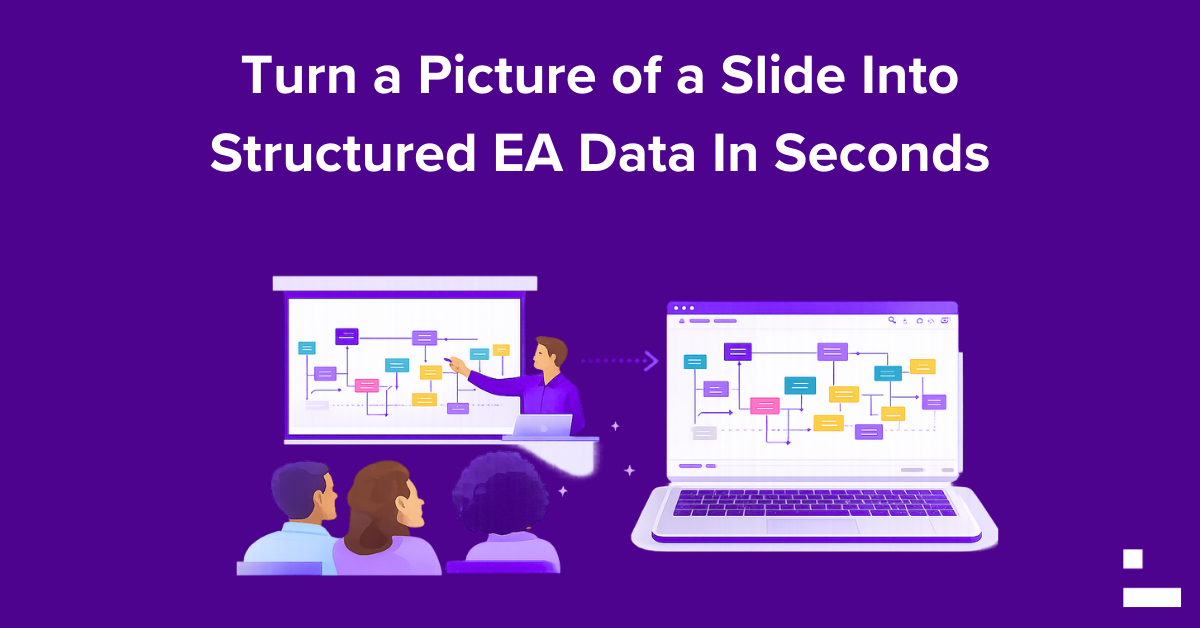
Some of the most important architecture decisions live in slides, especially during programs where different teams share “current state” or “future state” visuals as PowerPoint snapshots.
AI Visual Importer helps convert those slide visuals into structured data that you can:
- Link to applications, capabilities, and initiatives.
- Compare across scenarios and time.
- Use as a baseline for planning and governance.
Bring Legacy Diagrams into Ardoq Without Re-entry
If your organization has years of Visio, Lucid, or other diagram outputs, you already have a head start on institutional knowledge. The challenge is converting it into living architecture data, at scale.
AI Visual Importer supports importing diagrams as images (PNG or JPEG), so you can accelerate:
- Onboarding of current-state documentation.
- Clean-up of tech debt documentation.
- Creation of a connected baseline model for analysis.
Capture Visual Context From Anywhere
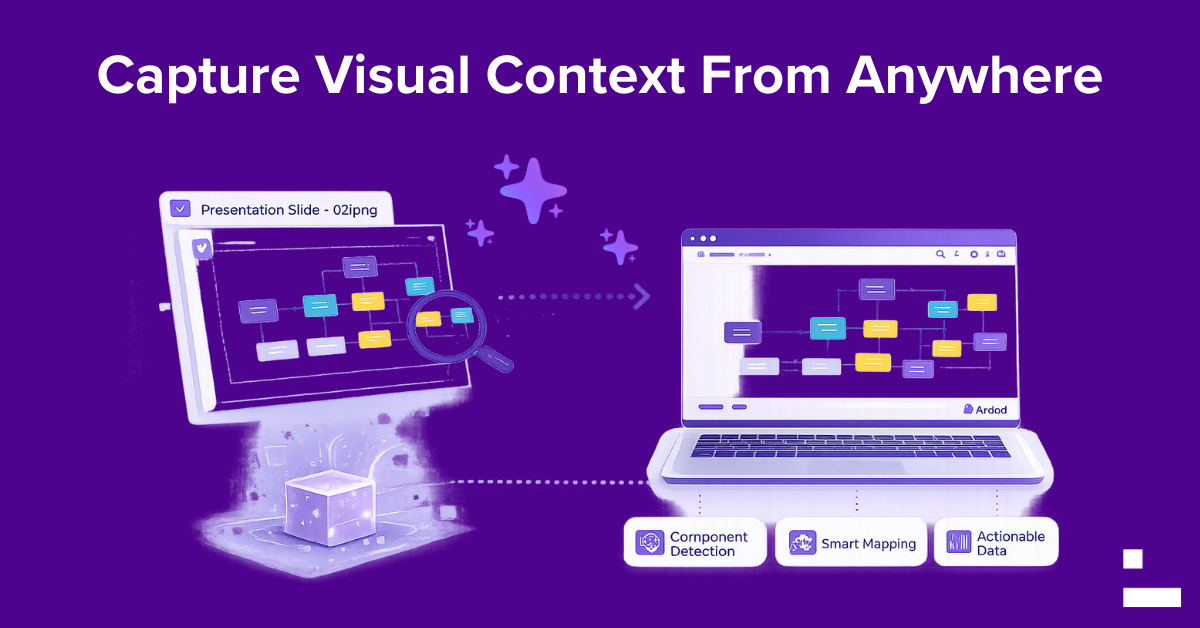
Not all architecture context is formally documented. Sometimes the best source is:
-
A screenshot from a tool.
-
A diagram embedded in a PDF.
-
A photo of a wall of sticky notes.
- A hand-drawn sketch shared in a chat thread.
If it can be captured as a PNG or JPEG, Visual Importer can help turn it into structured, connected data.
If You Already Use Lucidchart With Ardoq
If you are using the Ardoq + Lucidchart integration and the included AI-powered importer, you already know the value of turning diagram thinking into structured architecture data.
AI Visual Importer extends that same “visuals to structured data” advantage to images from anywhere, not just diagrams originating in Lucidchart. Lucid remains a powerful collaboration and design environment in the workflow, and Visual Importer broadens the ways teams can bring visual intent into Ardoq as connected data.
Tips for Best Results
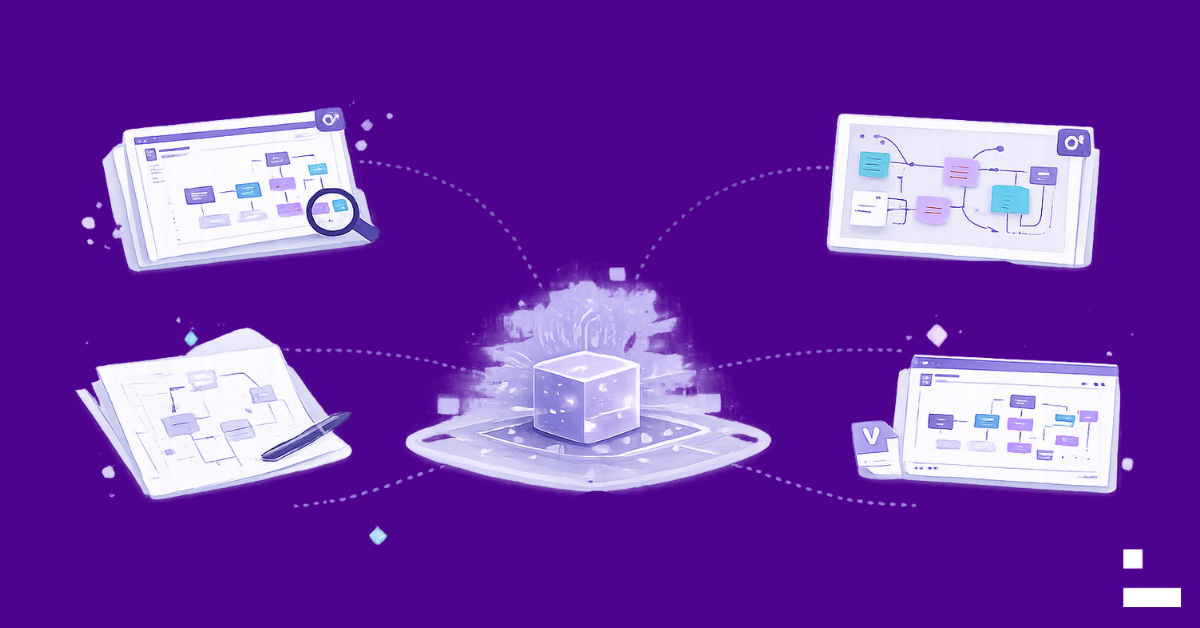
AI Visual Importer works best when the visual is clear and labelled. A few practical tips:
- Use high-resolution images where possible.
- Ensure component labels are readable.
- Avoid heavy overlap or ambiguous connectors when exporting diagrams.
- If importing from Visio or PowerPoint, export the diagram area as a PNG for a cleaner input.
- With a native Visio or PowerPoint file, export to an image first, then import.
- Treat the result as a structured first draft, then validate and refine.
Remember: AI Visual Importer is designed to accelerate modeling, not replace architectural judgment. Human validation is still required, especially for complex visuals.
Get Started
If you have access to Ardoq AI features, you can start using AI Visual Importer immediately:
- Capture or export your visual as a PNG or JPEG.
- Upload it to Visual Importer.
- Review what the AI detected.
- Map and import into your workspace.
- Use the structured data in analysis, reporting, and ongoing decision workflows.
Have questions or want to see it in action? Request a demo or reach out to your Ardoq contact.
From Static Documentation to Living Architecture
Static diagrams go stale the moment the organization changes. That is why we focus on architecture as connected data, not just documentation.
AI Visual Importer is another step in that direction: helping teams capture valuable context wherever it lives, then turn it into structured data that stays usable, traceable, and actionable as the enterprise evolves.
Ready to turn visuals into structured architecture data? Try AI Visual Importer and start modelling changes at the speed your organization actually requires them.

/Logos/Ardoq/RGB_Ardoq_Logo_Stacked_White_Monochrome%201.png?width=80&height=77&name=RGB_Ardoq_Logo_Stacked_White_Monochrome%201.png)